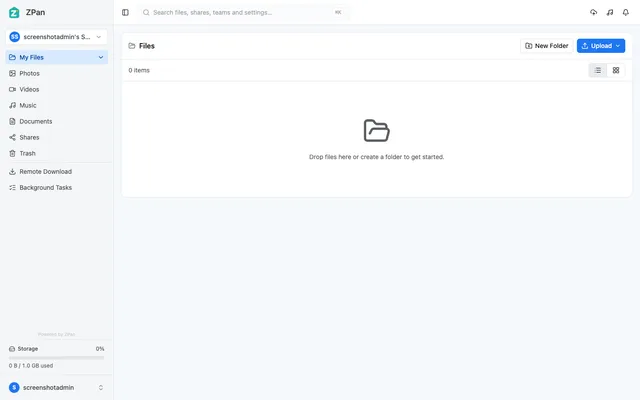

Web drive and image host for your own S3-compatible bucket, with share links, WebDAV and team spaces
- Deploy
- Manual
- License
- AGPL-3.0
- GitHub stars
- 2.1k stars
- Last commit
Dropbox is a cloud storage service for storing, syncing and sharing files across devices. One listed app does its main job and runs in your own Cloudflare account.
Each answer comes from the app’s README and source code, compared with the features Dropbox describes on its own site.
Web drive and image host for your own S3-compatible bucket, with share links, WebDAV and team spaces
| Feature | ZPan |
|---|---|
| Store files online and open them from any device | Yes |
| Desktop app that syncs a local folder automatically | No |
| Share files or folders by link with password and expiry | Yes |
| Restore deleted files and earlier versions | Partly |
| Preview many file types in the browser | Yes |
| Shared team folders | Yes |
Web drive and image host for your own S3-compatible bucket, with share links, WebDAV and team spaces
Sources:github.com/saltbo/zpan#readmezpan.space/docs/user-guide/files-and-folders/www.dropbox.com/features