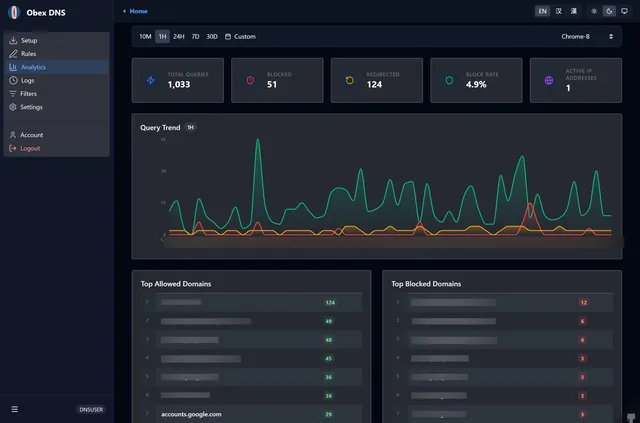

Filtering DNS resolver with blocklists, query logs and per-device profiles, served as DNS over HTTPS from your Cloudflare account
- Deploy
- One-click
- License
- AGPL-3.0
- GitHub stars
- 22 stars
- Last commit
Control D is a hosted DNS filtering service that blocks malware and unwanted content, redirects traffic per service and keeps query logs. One listed app does its main job and runs in your own Cloudflare account.
Each answer comes from the app’s README and source code, compared with the features Control D describes on its own site.
Filtering DNS resolver with blocklists, query logs and per-device profiles, served as DNS over HTTPS from your Cloudflare account
| Feature | DNS Worker |
|---|---|
| Malware blocking | Partly |
| Web filtering by category | Partly |
| Service filtering | Partly |
| Custom filtering rules | Yes |
| Traffic redirection | No |
| Analytics and admin logs | Yes |
| Multiple users and organizations | Partly |
| DoH, DoT and DoQ | Partly |
Filtering DNS resolver with blocklists, query logs and per-device profiles, served as DNS over HTTPS from your Cloudflare account
Sources:github.com/Obein/DNS-Worker#key-highlightsobein.github.io/DNS-Worker/deployment/matrix/workersnative.directory/api/apps/dns-worker