DNS Worker
Filtering DNS resolver with blocklists, query logs and per-device profiles, served as DNS over HTTPS from your Cloudflare account
DNS Worker analytics with query totals, blocked queries and top domains
DNS Worker answers your devices’ DNS lookups and blocks the domains on the blocklists you subscribe to, much like NextDNS or a Pi-hole you do not have to run at home. On Cloudflare it runs as one Worker with a D1 database and serves DNS over HTTPS, so phones, laptops and browsers use it through a DoH URL. A web dashboard shows query logs and statistics and manages rules, filter subscriptions and devices.
Each device or group of devices gets its own profile and access point with a DoH URL. A profile combines filter subscriptions, wildcard rules and custom overrides that send a domain to another answer. The setup guide in the dashboard gives the steps for browsers, Apple devices through a configuration profile, Windows, Linux and Android. The analytics page shows total, blocked and redirected queries over time and the most allowed and blocked domains, and the query log lists each lookup. Logs are loaded into an in-browser SQLite database for filtering and charts. Sign-in uses passkeys, and the project describes its stored logs as end-to-end encrypted. On Workers the resolver only speaks DNS over HTTPS. Classic DNS on port 53 and DNS over TLS need the standalone server, which the same project ships as an npm package for a VPS or home server. The Deploy to Cloudflare button creates the Worker and the D1 database; set a JWT_SECRET secret afterwards. A Cron Trigger runs maintenance every minute.
Built for: Privacy-minded individuals, families and small offices who want DNS filtering without a subscription or a home server
What you can use it for
- Block ads, trackers and malware domains on every device
- Give each device or family member its own filtering profile
- See which domains your devices contact
- Replace a paid DNS filtering service with one in your own account
Deploy
One-click
Branch main
Deploy button, then set JWT_SECRET, create the first account and add the DoH URL to each device.
What it needs to run
- D1 databasesdns_worker_db
Good to know
On Cloudflare it works only as a DNS over HTTPS resolver; routers and Android Private DNS need classic DNS or DNS over TLS, which only the standalone server provides. Every lookup counts as a Worker request against Workers Free’s 100,000 a day. The Cron Trigger runs every minute and uses one of the five a free account has. One maintainer, under the AGPL-3.0.
Cost on Cloudflare
Depends on usage
Each DNS lookup is one Worker request, and Workers Free allows 100,000 a day; above that you need Workers Paid ($5 a month with 10 million requests included). D1 and the one Cron Trigger fit the free plan.
The estimate is based on Cloudflare’s documented limits and the app’s configuration. What you pay depends on your usage and plan.
Where this comes from
- Repositoryhttps://github.com/Obein/DNS-Worker
- App websitehttps://obein.github.io/DNS-Worker/
Listing history
- Oct 9, 2026 · DNS Worker listed
Similar apps
All Security apps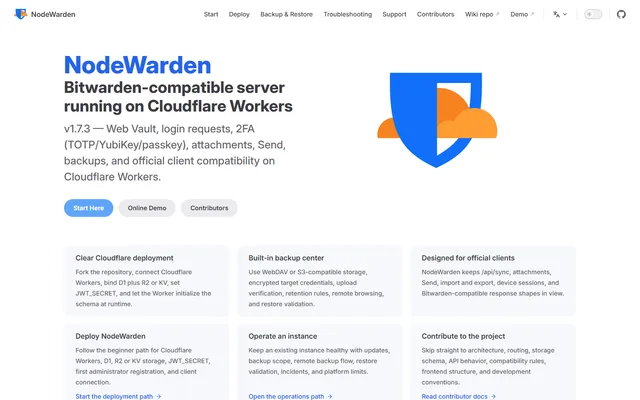
Bitwarden-compatible password vault server that runs on Workers, D1 and R2 in your own Cloudflare account
- Deploy
- Manual
- License
- LGPL-3.0
- GitHub stars
- 4k stars
- Last commit
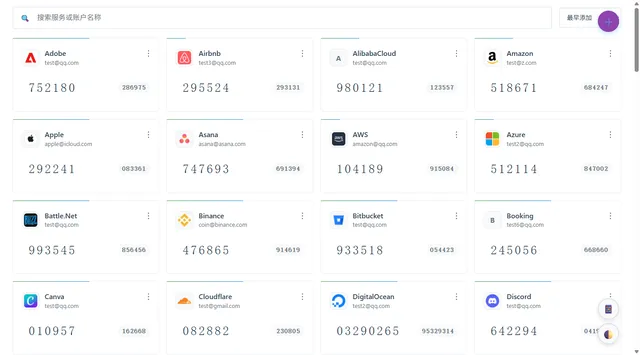
Self-hosted TOTP and HOTP code manager with imports from other authenticators, cloud backups and browser extensions
- Deploy
- One-click
- License
- MIT
- GitHub stars
- 454 stars
- Last commit
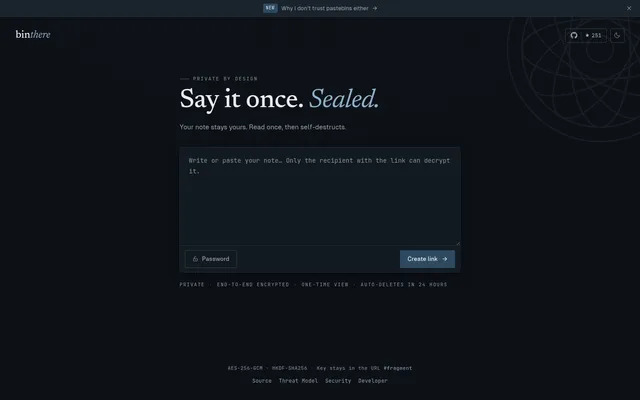
Burn-after-read encrypted notes, with the key kept in the link fragment and a CLI for terminal output
- Deploy
- One-click
- License
- MIT
- GitHub stars
- 271 stars
- Last commit