NodeWarden
Bitwarden-compatible password vault server that runs on Workers, D1 and R2 in your own Cloudflare account
NodeWarden homepage header with a feature summary and Start Here, Online Demo and Contributors buttons
NodeWarden is a Cloudflare Worker that serves the Bitwarden API endpoints personal vaults rely on, so the official Bitwarden browser extension, desktop and mobile apps can sync with a self-hosted instance. It also serves a web vault and supports passkey sign-in, two-step login, file attachments, Send, and scheduled backups to WebDAV or S3-compatible storage.
The browser extension, the Windows and Linux desktop apps and the mobile app connect once they are pointed at the instance's URL. Vault data lives in a D1 database, attachment and Send file bodies go to an R2 bucket, and a Durable Object pushes real-time sync notifications to connected devices. The same Worker hosts a web vault that installs as an offline-capable PWA. Sign-in uses the master password or a passkey. TOTP, YubiKey OTP or a passkey can serve as a second factor, and one-time recovery codes can turn two-step login off. A login request from a new device can be approved from one that is already signed in. Personal API keys work with the Bitwarden CLI. Imports accept Bitwarden JSON, CSV and ZIP files. A backup center sends incremental backups to WebDAV or S3-compatible storage (R2, B2 and Tigris have presets), with a cron trigger checking every five minutes whether a scheduled run is due. After the first administrator registers, other people join with invite codes. Wrangler provisions the D1 database and R2 bucket from the binding names in wrangler.toml, and the Worker creates its schema on the first request, so no SQL runs by hand. Until JWT_SECRET is set as a runtime secret, registration and authenticated APIs stay blocked. Setting HIDE_WEB_VAULT to 1 hides the web vault while the endpoints that Bitwarden clients use stay available.
Built for: Individuals, families and small teams who already use Bitwarden clients and want the vault server in their own Cloudflare account instead of a hosted plan or a VPS.
What you can use it for
- Run a personal password vault that the official Bitwarden apps sync with
- Give family members or colleagues separate vaults on one instance through invite codes
- Move from a Vaultwarden VPS by exporting and re-importing Bitwarden JSON
- Schedule incremental vault backups to WebDAV or S3-compatible storage
- Share files and text through Bitwarden Send links served from your own domain
Deploy
Manual
Fork the repository, import the fork under Workers & Pages with build command npm run build and deploy command npm run deploy, then add JWT_SECRET (32 or more random characters) as a runtime secret. On accounts without R2, use npm run deploy:kv as the deploy command.
The README's FAQ warns that Cloudflare may not list a fork, or may return a 404 for it, when its name and description match the upstream project. The FAQ suggests renaming the fork before importing it.
What it needs to run
- D1 databasesnodewarden-db
- Durable ObjectsBackupTransferRunner, NotificationsHub
- R2 bucketsnodewarden-attachments
Good to know
Organizations, collections, enterprise policies, SSO and SCIM are not implemented, so there are no shared vaults between users. Email flows (verification, invitations, password hints by email) are not supported. The README presents the project as being for learning and discussion, asks you to back up your vault regularly, and states it is not affiliated with Bitwarden. macOS desktop client support is not fully verified. R2 mode needs R2 activated on the account, which requires a payment method; KV mode avoids that but limits attachments to 25 MiB. The README warns that the default workers.dev hostname can be unreachable on some networks and explains how to add a custom domain. Young project: the repository was created in February 2026.
Cost on Cloudflare
Likely fits the free plan
D1, SQLite-backed Durable Objects, KV and cron triggers are available on Workers Free, and R2's free tier includes 10 GB-month of storage.
The estimate is based on Cloudflare’s documented limits and the app’s configuration. What you pay depends on your usage and plan.
Where this comes from
- Repositoryhttps://github.com/shuaiplus/nodewarden
- App websitehttps://nodewarden.app
- Demohttps://demo.nodewarden.app
- Documentationhttps://nodewarden.app/guide/start
An alternative to 1Password, Bitwarden, Dashlane, Enpass, Keeper, LastPass, NordPass, Proton Pass, RoboForm.
Listing history
- Oct 3, 2026 · NodeWarden listed
Similar apps
All Security apps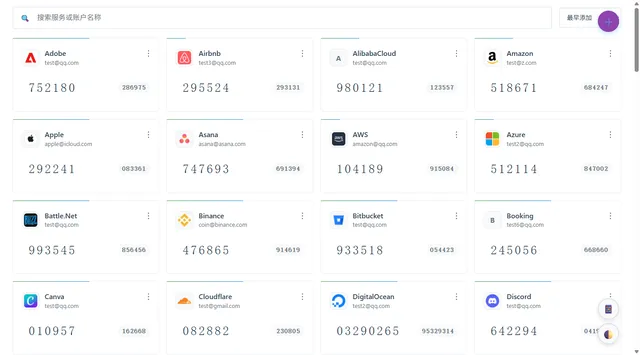
Self-hosted TOTP and HOTP code manager with imports from other authenticators, cloud backups and browser extensions
- Deploy
- One-click
- License
- MIT
- GitHub stars
- 449 stars
- Last commit
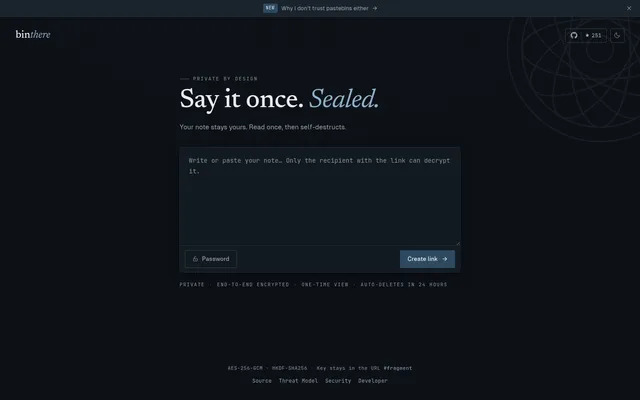
Burn-after-read encrypted notes, with the key kept in the link fragment and a CLI for terminal output
- Deploy
- One-click
- License
- MIT
- GitHub stars
- 256 stars
- Last commit
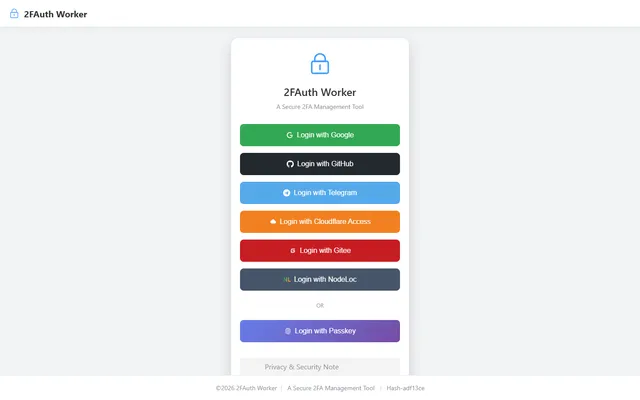
Self-hosted TOTP vault with AES-encrypted secrets in D1, whitelist OAuth login and an offline-capable PWA
- Deploy
- Manual
- License
- AGPL-3.0
- GitHub stars
- 62 stars
- Last commit