2FA
Self-hosted TOTP and HOTP code manager with imports from other authenticators, cloud backups and browser extensions
2FA desktop view in Chinese with a search bar above a four-column grid of account cards, each showing its current code
2FA shows TOTP and HOTP codes in a PWA backed by a Worker in your own Cloudflare account. Secrets come in by QR code or from Google Authenticator, Aegis, 2FAS or Bitwarden exports. With ENCRYPTION_KEY set, the Worker encrypts them with AES-GCM.
Besides QR code scans, secrets can be added from a pasted or uploaded screenshot, an image dragged onto the page, or a Base32 key typed in by hand. Bulk import also reads LastPass Authenticator, andOTP and Ente Auth exports, and export writes TXT, JSON, CSV, HTML or Google migration QR codes. The PWA works offline, has light and dark themes, and comes in 15 languages. ENCRYPTION_KEY also covers automatic backups and the stored credentials for remote backup targets. The Worker stores the admin password as a salted PBKDF2-SHA256 hash and keeps the session in an HttpOnly cookie. Backups run after each change and in a daily cron check, and the app keeps the latest 100 by default. Remote copies can go to WebDAV, S3-compatible buckets such as R2, OneDrive or Google Drive. Browser extensions for Chrome, Edge and Firefox read codes from your instance and fill them on websites you approve. A public OTP API also generates codes from a URL. Account data lives in KV, and the Worker routes reads and writes through a SQLite-backed Durable Object so that edits from several devices do not overwrite each other. The button creates an independent repository instead of a fork, and upgrades run in place through its Sync Upstream GitHub Actions workflow. A demo instance runs at 2fa-dev.wzf.workers.dev.
Built for: Individuals and small teams who want a self-hosted TOTP manager they control, reachable from any device
What you can use it for
- Keep 2FA codes in one self-hosted place for phone and desktop
- Move secrets out of Google Authenticator, Aegis or 2FAS
- Back up 2FA secrets to WebDAV, S3, OneDrive or Google Drive
- Fill TOTP codes on websites with the browser extension
Deploy
One-click · main path
Branch main
CLI
Branch main
npm install
npm run deploy
The button creates the KV namespace and the Durable Object. Set the admin password on first visit, and add ENCRYPTION_KEY as a secret if you can keep its value somewhere safe. OneDrive and Google Drive backups need their own OAuth app setup.
What it needs to run
- KV namespacesSECRETS_KV
Also uses
- Google OAuth (optional): Authorizes backups to Google DriveSource
- Microsoft OAuth (optional): Authorizes backups to OneDrive
Good to know
Losing ENCRYPTION_KEY makes encrypted data and backups unrecoverable. WebDAV backups fail with services proxied through Cloudflare, such as Nutstore, because of 520 loop errors. The main README is in Chinese, and only the README has an English translation (docs/en/README.md); the deployment and cloud-drive guides are Chinese only. A single admin password protects the instance. The Deploy to Cloudflare button does not copy GitHub workflows, so add the Sync Upstream file before the first update.
Cost on Cloudflare
Likely fits the free plan
The README describes deployment as free. KV on Workers Free allows 100,000 reads and 1,000 writes per day, and the SQLite-backed Durable Object and the daily cron trigger also run on Free.
The estimate is based on Cloudflare’s documented limits and the app’s configuration. What you pay depends on your usage and plan.
Where this comes from
- Repositoryhttps://github.com/wuzf/2fa
- App websitehttps://2fa-dev.wzf.workers.dev
- Documentationhttps://github.com/wuzf/2fa/blob/main/docs/en/README.md
An alternative to Authy, Google Authenticator, Microsoft Authenticator.
Listing history
- Oct 2, 2026 · 2FA listed
Similar apps
All Security apps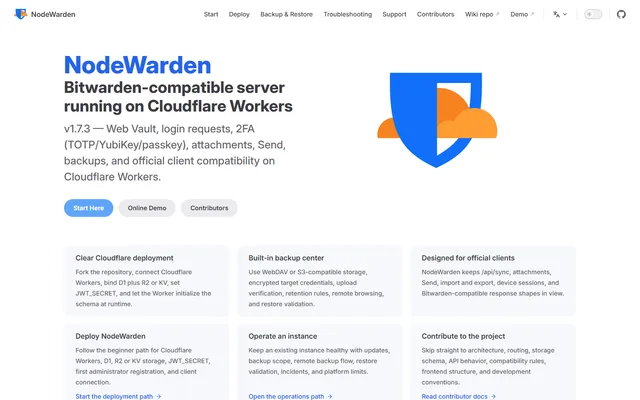
Bitwarden-compatible password vault server that runs on Workers, D1 and R2 in your own Cloudflare account
- Deploy
- Manual
- License
- LGPL-3.0
- GitHub stars
- 3.9k stars
- Last commit
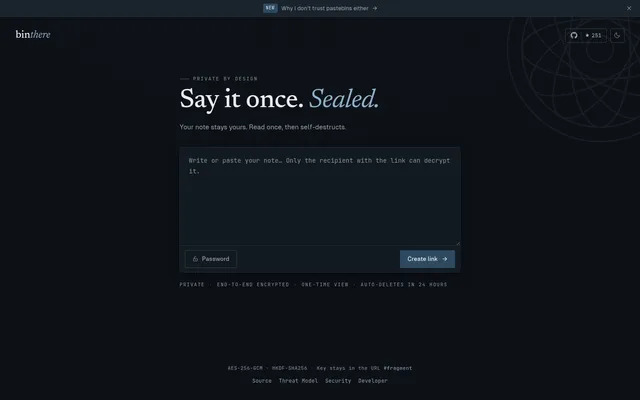
Burn-after-read encrypted notes, with the key kept in the link fragment and a CLI for terminal output
- Deploy
- One-click
- License
- MIT
- GitHub stars
- 256 stars
- Last commit
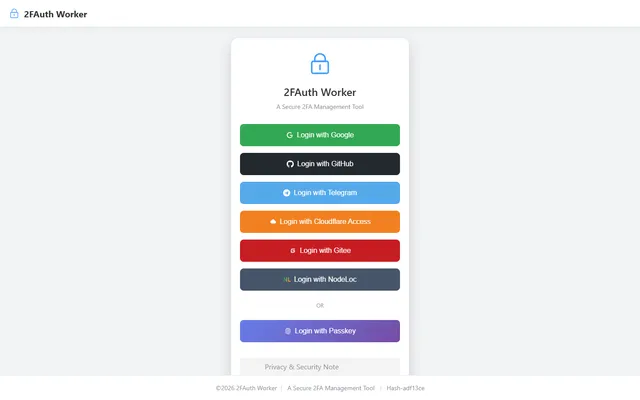
Self-hosted TOTP vault with AES-encrypted secrets in D1, whitelist OAuth login and an offline-capable PWA
- Deploy
- Manual
- License
- AGPL-3.0
- GitHub stars
- 62 stars
- Last commit


