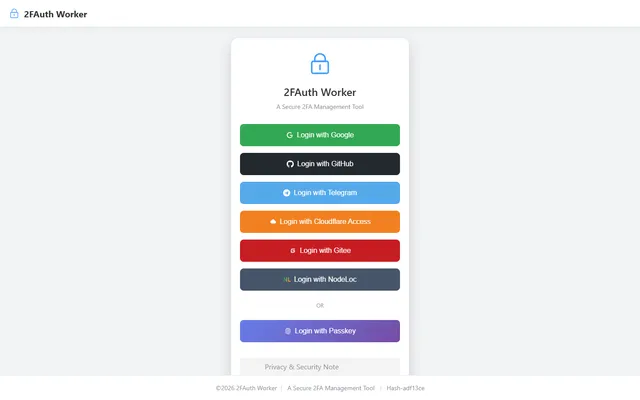

Self-hosted TOTP vault with AES-encrypted secrets in D1, whitelist OAuth login and an offline-capable PWA
- Deploy
- Manual
- License
- AGPL-3.0
- GitHub stars
- 62 stars
- Last commit
Microsoft Authenticator is Microsoft's app for verifying sign-ins with one-time codes or approval prompts, including passwordless sign-in to Microsoft accounts. Two listed apps do its main job and run in your own Cloudflare account.
Each answer comes from the app’s README and source code, compared with the features Microsoft Authenticator describes on its own site.
Self-hosted TOTP vault with AES-encrypted secrets in D1, whitelist OAuth login and an offline-capable PWA
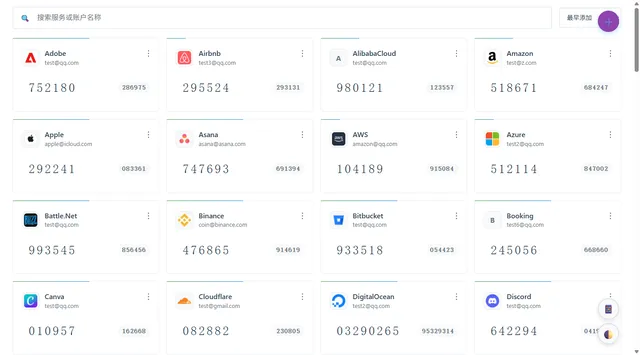
Self-hosted TOTP and HOTP code manager with imports from other authenticators, cloud backups and browser extensions
| Feature | 2FAuth Worker | 2FA |
|---|---|---|
| Generate one-time codes for two-step verification | Yes | Yes |
| Approve sign-ins with a push notification | No | No |
| Passwordless sign-in to Microsoft accounts from the phone | No | No |
| Store passkeys for sign-in | No | No |
| Back up and restore accounts | Yes | Yes |
| Confirm sign-ins with biometrics or a PIN | Partly | No |
Self-hosted TOTP vault with AES-encrypted secrets in D1, whitelist OAuth login and an offline-capable PWA
Sources:github.com/nodeauth/2fauth-worker/blob/main/README_EN.mdsupport.microsoft.com/en-us/account-billing/about-microsoft-authenticator-9783c865-0308-42fb-a519-8cf666fe0acclearn.microsoft.com/en-us/entra/identity/authentication/concept-authentication-authenticator-app
Self-hosted TOTP and HOTP code manager with imports from other authenticators, cloud backups and browser extensions
Sources:github.com/wuzf/2fa/blob/main/docs/en/README.mdsupport.microsoft.com/en-us/account-billing/about-microsoft-authenticator-9783c865-0308-42fb-a519-8cf666fe0acc