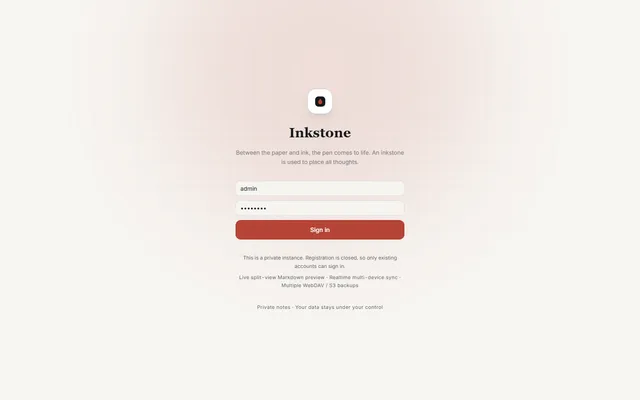

Private Markdown notebook with backlinks, offline sync, MCP access and WebDAV or S3 backups, running on Workers
- Deploy
- Manual
- License
- LGPL-3.0-only
- GitHub stars
- 1.1k stars
- Last commit
Joplin is an open source note-taking and to-do app that saves notes in Markdown and syncs them through services such as Joplin Cloud, Dropbox and OneDrive. One listed app does its main job and runs in your own Cloudflare account.
Each answer comes from the app’s README and source code, compared with the features Joplin describes on its own site.
Private Markdown notebook with backlinks, offline sync, MCP access and WebDAV or S3 backups, running on Workers
| Feature | Inkstone |
|---|---|
| Markdown notes organized in notebooks with tags and to-do lists | Yes |
| Sync with Joplin Cloud, Dropbox, OneDrive and Nextcloud | Partly |
| End-to-end encryption | No |
| Offline first, with all data on the device | Partly |
| Web clipper extension for Chrome and Firefox | No |
| Plugins, themes and a choice of Rich Text or Markdown editor | Partly |
| Image, video, PDF and audio attachments | Yes |
| Apps for Windows, macOS, Linux, Android, iOS and a terminal app | Partly |
Private Markdown notebook with backlinks, offline sync, MCP access and WebDAV or S3 backups, running on Workers
Sources:github.com/shuaiplus/inkstone#featuresjoplinapp.org/plans/