Skip to content

Self-hosted alternatives to Obsidian

Obsidian is a note-taking app that keeps notes as local Markdown files and links them into a personal knowledge base, with paid Sync and Publish add-ons. One listed app does its main job and runs in your own Cloudflare account.

Each answer comes from the app’s README and source code, compared with the features Obsidian describes on its own site.

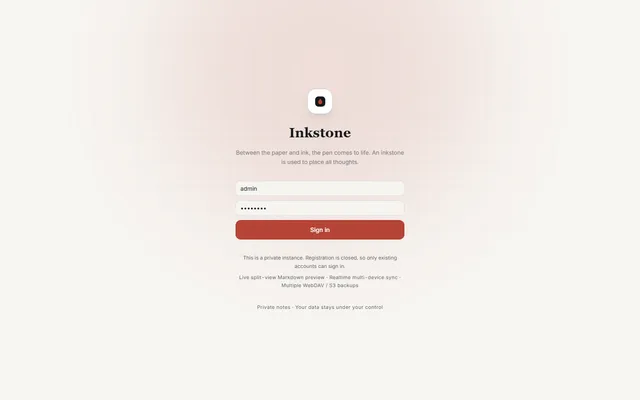
  • Inkstone public demo sign-in screen with the demo account filled in

    Private Markdown notebook with backlinks, offline sync, MCP access and WebDAV or S3 backups, running on Workers

    Deploy
    Manual
    License
    LGPL-3.0-only
    GitHub stars
    1.1k stars
    Last commit

Obsidian features, app by app

FeatureInkstone
Notes stored as local plain Markdown filesPartly
Links and backlinks between notesYes
Graph view of note connectionsYes
Canvas for visual boardsNo
Community plugins and themesNo
Works offlineYes
Tags, folders and searchYes
Desktop and mobile appsPartly

Private Markdown notebook with backlinks, offline sync, MCP access and WebDAV or S3 backups, running on Workers

What a Obsidian user would miss
It has no community plugins and no canvas, and notes live in D1 instead of a local folder, so tools that read a vault folder cannot use them directly.
What it adds
It runs in your own Cloudflare account and opens in any browser, and adds an OAuth MCP server, public note links with optional passwords and expiry dates, and a Markdown and ZIP import that handles Obsidian-style references.
  • Partly Notes stored as local plain Markdown files. Notes are plain Markdown text but are stored in D1 rather than as files on disk; Markdown and ZIP export and scheduled WebDAV or S3 backups are built in.
  • Yes Links and backlinks between notes. WikiLinks, bidirectional links, backlinks, block references and note embeds.
  • Yes Graph view of note connections. A relationship graph is listed in the README and implemented in the graph panel.
  • No Canvas for visual boards. No infinite canvas found; the graph panel only draws note relationships.
  • No Community plugins and themes. No plugin system found; the interface offers light and dark themes and accent colors.
  • Yes Works offline. Installable PWA with offline app launch, a browser-side cache and an offline write queue.
  • Yes Tags, folders and search. Nested folders, inline tags, favorites, D1 full-text search with filters and optional semantic search.
  • Partly Desktop and mobile apps. Browser app with desktop and mobile layouts that installs as a PWA; no native apps.

Sources:github.com/shuaiplus/inkstone#featuresobsidian.md