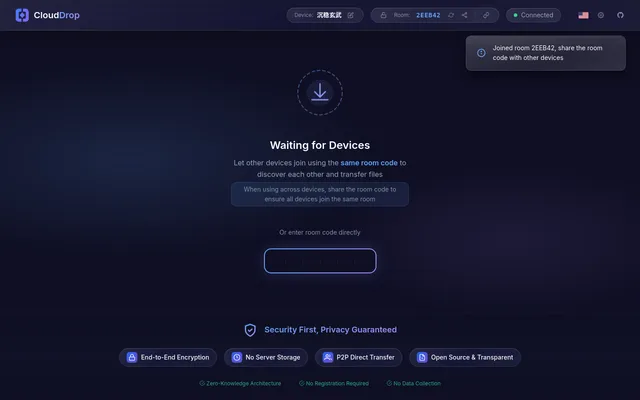

Encrypted peer-to-peer file sharing between browsers, with room codes and a Worker relay when direct links fail
- Deploy
- One-click
- License
- MIT
- GitHub stars
- 28 stars
- Last commit
Send Anywhere is a file sharing service and set of apps that sends files between devices with a 6-digit key or a share link. One listed app does its main job and runs in your own Cloudflare account.
Each answer comes from the app’s README and source code, compared with the features Send Anywhere describes on its own site.
Encrypted peer-to-peer file sharing between browsers, with room codes and a Worker relay when direct links fail
| Feature | CloudDrop |
|---|---|
| 6-digit key for real-time one-to-one transfer | Yes |
| Share link for sending to several people | No |
| No sign-up or sign-in needed | Yes |
| Apps for Android, iOS, Windows, macOS and Linux | Partly |
| Wi-Fi Direct transfer on Android without internet | No |
Encrypted peer-to-peer file sharing between browsers, with room codes and a Worker relay when direct links fail