
pbnj
Single-user pastebin with a terminal CLI, syntax highlighting and memorable links, on a Worker with a D1 database
pbnj homepage grid of code pastes with syntax highlighting in the Flexoki Dark theme
Pastes go up from the terminal, as pbnj file.py or piped from another command, or from a small web editor. Each one gets a link like crunchy-peanut-butter-sandwich and renders with syntax highlighting for more than 100 languages in one of 12 themes. The homepage lists public pastes. Private pastes stay off it and can require a secret key in the link. Everything is stored in a D1 database.
The @pbnjs/cli package keeps the instance address and the key in ~/.pbnj, copies every new link to the clipboard, and can list, update and delete pastes. The same actions are available over a small REST API with a bearer token, which also accepts file uploads, and the raw text of a paste is served at /r/ followed by its ID. In the browser, signing in with the AUTH_KEY starts a session stored in D1 for 30 days, and the key itself is not kept in the browser. Signed in, the homepage also shows private pastes with a lock icon, a /new page offers a filename, a language picker and a private toggle, and every paste gets a delete button. A pbnj.config.js file sets the site name and logo, the ID style (food words, eight characters or UUIDs), whether the homepage lists pastes and in which order, the maximum paste size (1 MB by default) and the theme. Accounts, expiring pastes, comments and folders are left out on purpose.
Built for: Developers who share code snippets and logs from the terminal and want a pastebin of their own
An alternative to: GitHub Gist, Pastebin
What you can use it for
- Share a code snippet or a log from the terminal with one command
- Keep a public feed of snippets on your own domain
- Send a private snippet that opens only with its secret key
- Use it instead of GitHub Gist for quick single-file shares
Deploy
One-click
The button creates the D1 database, and the deploy script applies the schema before the Worker goes live. Set AUTH_KEY when the button asks for it.
The button asks for AUTH_KEY, which both the CLI and the web sign-in use. Afterwards, pbnj --init points the CLI at the new address.
What it needs to run
- D1 databasespbnj-db
Good to know
One user only: everyone who creates pastes shares the same AUTH_KEY. Pastes never expire, and there is no burn after reading, no search and no folders. Each paste holds a single file. The repository has had no commits since December 2025.
Cost on Cloudflare
Likely fits the free plan
The README works out that the 500 MB of D1 storage on the free plan holds about 100,000 pastes of 5 KB each. The Worker and its D1 reads and writes fit the Workers Free allowances for personal use.
The estimate is based on Cloudflare’s documented limits and the app’s configuration. What you pay depends on your usage and plan.
Where this comes from
- Repositoryhttps://github.com/bhavnicksm/pbnj
- App websitehttps://pbnj.sh
- Documentationhttps://github.com/bhavnicksm/pbnj/tree/main/docs
Listing history
- Oct 9, 2026 · pbnj listed
Similar apps
All Developer Tools apps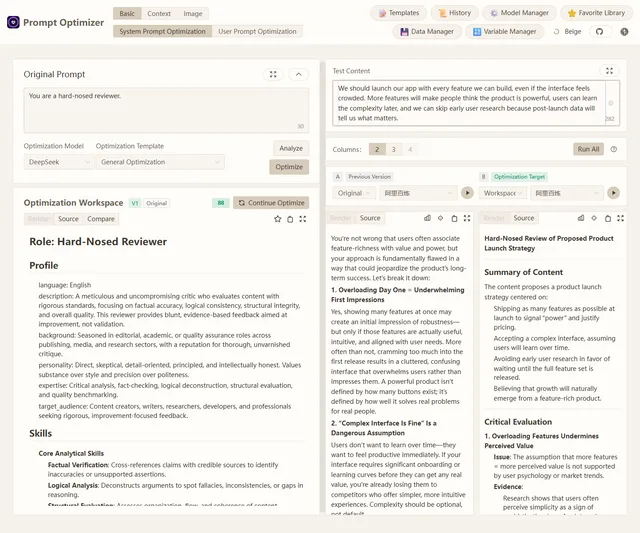
Browser-based tool for optimizing, testing and comparing LLM prompts with your own model API keys
- Deploy
- One-click
- License
- AGPL-3.0-only
- GitHub stars
- 38.7k stars
- Last commit
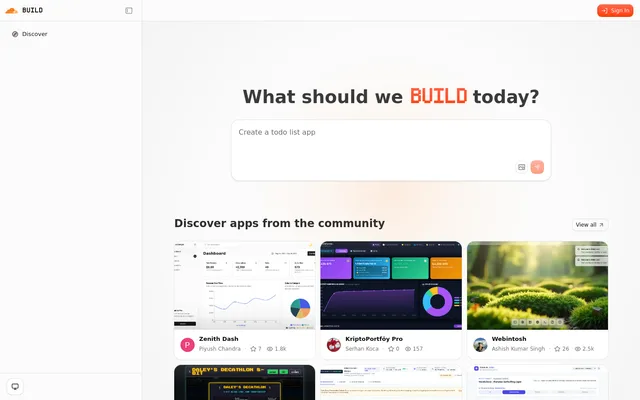
Self-hostable AI app builder from Cloudflare: describe an app and an agent plans, builds, previews and repairs it
- Deploy
- One-click
- License
- MIT
- GitHub stars
- 5.4k stars
- Last commit
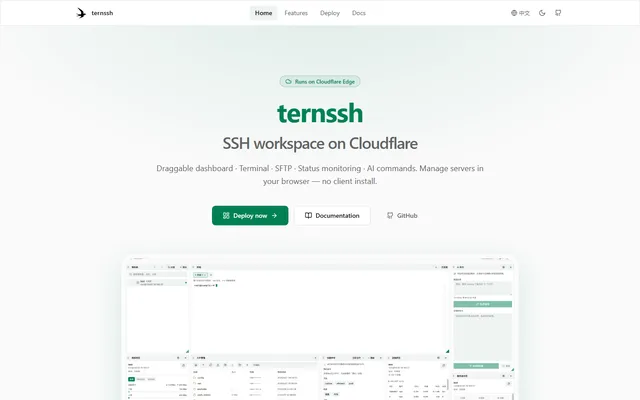
Browser-based SSH workspace with terminal tabs, SFTP and server monitoring, running on Cloudflare Workers
- Deploy
- One-click
- License
- GPL-3.0-or-later
- GitHub stars
- 639 stars
- Last commit
