
ternssh
Browser-based SSH workspace with terminal tabs, SFTP and server monitoring, running on Cloudflare Workers
ternssh homepage with Deploy now and Documentation buttons and a dashboard preview in Chinese
ternssh arranges a server list, xterm.js terminals, an SFTP file manager and live CPU, memory, disk, network and process panels on a draggable browser dashboard. Servers and dashboard layouts are stored in D1. A Docker image runs the same app outside Cloudflare.
Servers are added with password or private-key authentication, grouped in a tree, and opened in several terminal tabs per server with command suggestions and history completion. The SFTP panel browses directories, uploads and downloads files, and opens remote files up to 2 MB in a CodeMirror editor. Panels sit on a grid that can be rearranged and resized, and the layout can be exported or imported as JSON. Quick-command buttons run saved commands in the current session or in all of them. An optional AI command panel turns a plain-language request into a shell command through an OpenAI-compatible API. A vault keeps saved passwords and private keys for reuse when adding servers. The Worker serves the React frontend from static assets and handles the API. Each SSH session runs in its own Durable Object, which holds the WebSocket to the browser and speaks SSH through a protocol stack written in TypeScript. Hostnames resolve through Cloudflare's 1.1.1.1 DNS over HTTPS. Without Cloudflare Access, the first visit opens an onboarding page that sets an HTTP Basic Auth username and password, stored as a PBKDF2 hash in D1. Setting ACCESS_TEAM_DOMAIN and ACCESS_AUD switches login to Cloudflare Access. Updates arrive by syncing the fork with the upstream template repository.
Built for: Developers and sysadmins who manage a handful of Linux servers and want SSH, SFTP and basic monitoring from a browser.
What you can use it for
- SSH into servers from any browser without installing a client
- Edit config files on a remote host over SFTP
- Watch CPU, memory and processes on a few VPS instances
- Run saved maintenance commands across several sessions
- Turn a plain-language request into a shell command
Deploy
One-click
Branch main
The button forks the ternssh-cloudflare-workers-template repository into your GitHub account and connects Workers Builds, whose npm run deploy step applies the D1 migrations. Open the Worker URL right after deploying to complete onboarding.
The Deploy to Cloudflare button creates the D1 database and deploys; the login is then set on the first visit. Cloudflare Access is optional and configured in Zero Trust.
What it needs to run
- D1 databasesternssh
- Durable ObjectsSshSession
Also uses
- OpenAI API (optional): Generating shell commands in the AI command panel
Good to know
Until onboarding is done or Cloudflare Access is configured, a new deployment shows the credential setup page to whoever opens it first. Server passwords and private keys are stored in the D1 database. The documentation site defaults to Chinese and the screenshots show the Chinese UI; the app itself supports Chinese and English.
Cost on Cloudflare
Depends on usage
The project does not state a plan requirement. D1, SQLite-backed Durable Objects and static assets are available on Workers Free. Durable Objects are billed for duration while active, so long or parallel SSH sessions count against the 13,000 GB-s per day included on Workers Free.
The estimate is based on Cloudflare’s documented limits and the app’s configuration. What you pay depends on your usage and plan.
Where this comes from
- Repositoryhttps://github.com/haradakashiwa/ternssh
- App websitehttps://ternssh.com
- Documentationhttps://ternssh.com/docs/home
Listing history
- Oct 2, 2026 · ternssh listed
Similar apps
All Developer Tools apps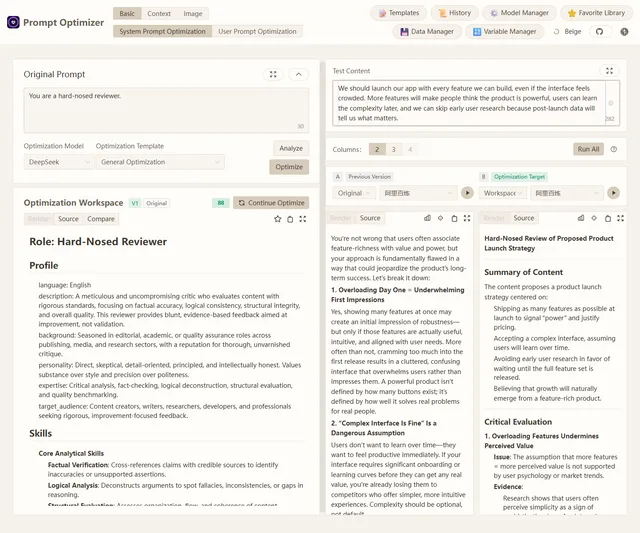
Browser-based tool for optimizing, testing and comparing LLM prompts with your own model API keys
- Deploy
- One-click
- License
- AGPL-3.0-only
- GitHub stars
- 36.7k stars
- Last commit
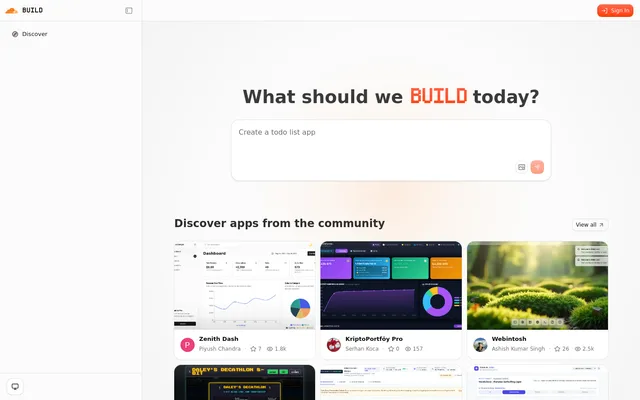
Self-hostable AI app builder from Cloudflare: describe an app and an agent plans, builds, previews and repairs it
- Deploy
- One-click
- License
- MIT
- GitHub stars
- 5.4k stars
- Last commit
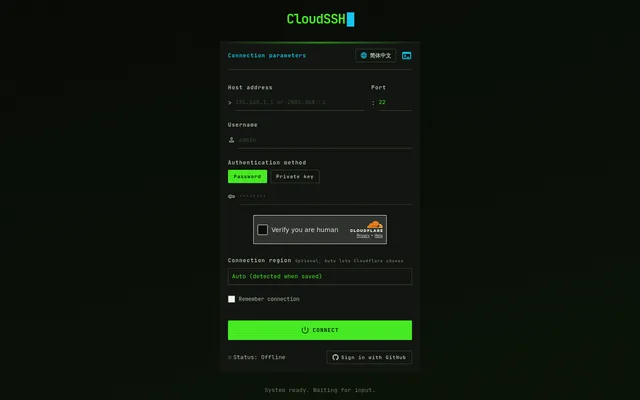
Browser SSH client that runs in a Cloudflare Worker, with SFTP, jump hosts and a bring-your-own-key AI assistant
- Deploy
- Manual
- License
- Apache-2.0
- GitHub stars
- 384 stars
- Last commit
