
CloudSSH
Browser SSH client that runs in a Cloudflare Worker, with SFTP, jump hosts and a bring-your-own-key AI assistant
CloudSSH connection form with host, port, username, password or key, and region fields
CloudSSH connects a browser to SSH servers through a Worker that speaks SSH-2.0 over Cloudflare TCP sockets. Each session runs in its own Durable Object. The UI adds an SFTP file manager, saved servers and one-time share links.
CloudSSH implements SSH-2.0 itself, in TypeScript on the Web Crypto API. It supports password, keyboard-interactive and key authentication (Ed25519, ECDSA and RSA), verifies host keys on first connect, and can reach machines without a public IP through a Cloudflare Tunnel. The browser talks to the Worker over WebSocket. The terminal is xterm.js with several tabs per page, search, log export and a layout for phones. Beside it, an SFTP file manager handles uploads, downloads and in-browser editing of text files. Signed-in users, through GitHub OAuth or a single admin password, can save servers with encrypted credentials, keep command snippets, chain up to three jump hosts and create one-time share links that give someone an audited session. An AI agent panel, using a user-supplied key for an OpenAI-compatible API, can run commands and read terminal output on the connected host. Everything runs in one Worker with three SQLite-backed Durable Objects for SSH sessions, per-user data and share records. Turnstile can be switched on to block bots. A fork can also enable an optional GitHub Actions workflow that syncs upstream releases daily.
Built for: Developers and sysadmins who want browser SSH access to their servers, hosted in their own Cloudflare account instead of a third-party web terminal.
What you can use it for
- SSH into servers from a locked-down laptop, tablet or phone
- Edit server config files over SFTP in the browser
- Reach private hosts through jump hosts or a Cloudflare Tunnel
- Give a contractor a one-time, audited shell session
- Ask an AI agent to check load, ports or Docker status
Deploy
Manual
Fork the repository, create a Worker in Workers & Pages by importing the fork from GitHub, and set the build command to pnpm run build:frontend. Add login and Turnstile settings afterwards as Worker variables and secrets.
Setup is a dashboard import of a fork with one build command. Signing in and Turnstile each need extra Worker variables, and GitHub login needs an OAuth app.
What it needs to run
- Durable ObjectsSSHSessionDO, SSHShareDO, UserDBDO
Also uses
- GitHub OAuth (optional): Sign-in for saved servers, snippets and sharingSource
- IPinfo (optional): Looks up the region of directly reachable saved servers
- OpenAI API (optional): Running the AI agent panel with a user-supplied key for any OpenAI-compatible API
Good to know
Anonymous SSH is enabled by default. On a public instance, set REQUIRE_GITHUB_AUTH=true and an allowlist of GitHub user IDs so the Worker cannot be used as an open SSH proxy. REQUIRE_GITHUB_AUTH ships in wrangler.toml, so a value set only in the dashboard is overwritten on the next deploy. Saving a directly reachable server sends its host to the third-party IPinfo service to pick a Durable Object region. If a phone's OS discards the page, the shell cannot be resumed. The main README is in Chinese, with an English README alongside; the UI ships English, Simplified Chinese and Traditional Chinese.
Cost on Cloudflare
Likely fits the free plan
The README targets the Workers Free plan, where TCP sockets and SQLite-backed Durable Objects are available. Durable Object duration is capped at 13,000 GB-s per day on Free, which is why idle sessions close after 30 minutes by default (IDLE_TIMEOUT).
The estimate is based on Cloudflare’s documented limits and the app’s configuration. What you pay depends on your usage and plan.
Where this comes from
- Repositoryhttps://github.com/newbietan/CloudSSH
- App websitehttps://ssh.newbietan.cn
An alternative to Shellngn, Termius.
Listing history
- Oct 2, 2026 · CloudSSH listed
Similar apps
All Developer Tools apps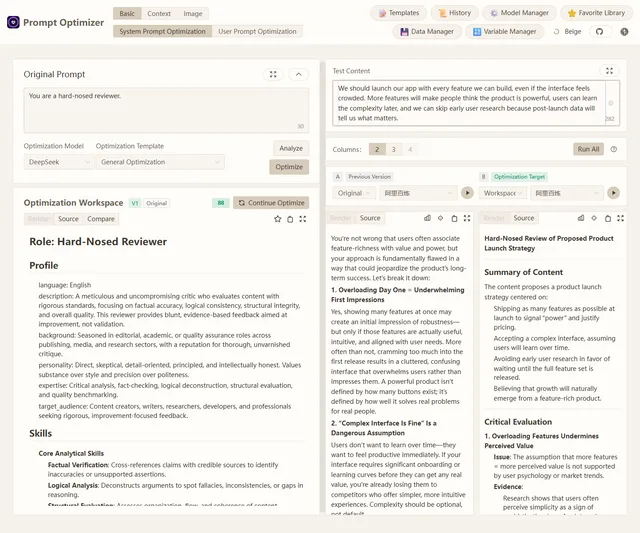
Browser-based tool for optimizing, testing and comparing LLM prompts with your own model API keys
- Deploy
- One-click
- License
- AGPL-3.0-only
- GitHub stars
- 36.7k stars
- Last commit
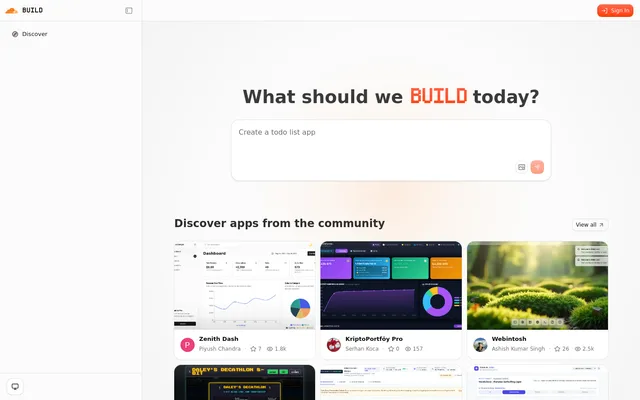
Self-hostable AI app builder from Cloudflare: describe an app and an agent plans, builds, previews and repairs it
- Deploy
- One-click
- License
- MIT
- GitHub stars
- 5.4k stars
- Last commit
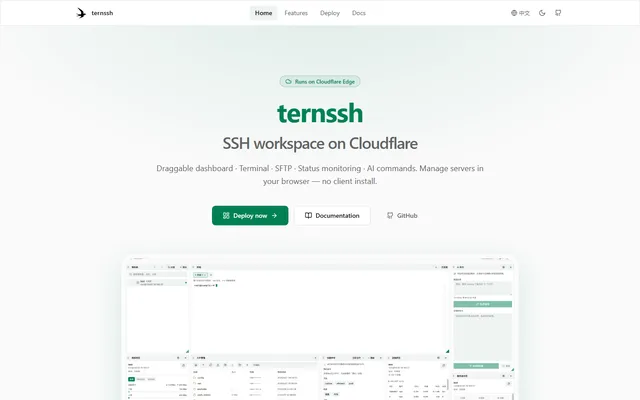
Browser-based SSH workspace with terminal tabs, SFTP and server monitoring, running on Cloudflare Workers
- Deploy
- One-click
- License
- GPL-3.0-or-later
- GitHub stars
- 617 stars
- Last commit
