
mdread
Local-first Markdown reader and editor with encrypted share links, live co-editing and an optional encrypted vault
mdread start screen with the file sidebar, Read, Split and Edit toggle and buttons to open a folder or files
mdread opens a Markdown file or a whole folder dropped onto the page, renders it with typography tuned for long reading, and saves edits back to disk or as a download. Files stay in the browser. Share links, co-editing rooms and the optional vault are encrypted client-side, so the Worker stores documents only as ciphertext.
Files can also be opened through the native file picker, and the app remembers the last folder, document and reading position. The reader has Read, Split and Edit views and a table of contents with scroll-spy. Day, Sepia and Night themes come with adjustable text size, line width and typeface. mdread installs as a PWA that works offline and makes no third-party requests at runtime. Sharing encrypts the document in the browser with AES-GCM and puts the key in the URL fragment, which browsers never send to the server. Links expire after 7, 30 or 365 days and can be revoked, and small documents can travel as self-contained links that upload nothing. A share can turn into a live co-editing room where each CRDT update is sealed before it reaches the relay. Magic-link sign-in is optional: it keeps share links across browsers and opens the vault, which stores up to 200 encrypted documents of 1 MB each under a master password that never leaves the device. On Cloudflare, Workers static assets serve the reader and the Worker only answers /api/* routes. One KV namespace holds share ciphertext and another holds accounts and vault blobs. Each co-editing room is a SQLite-backed Durable Object that relays sealed updates and deletes itself after 30 days without traffic. Rate-limit bindings cap link creation, room connections and sign-in requests.
Built for: Writers and developers who read and edit Markdown files and want private sharing and collaboration on their own Cloudflare account
What you can use it for
- Read Markdown notes or a whole docs folder in the browser
- Edit a local .md file and save it straight back to disk
- Send a document through an expiring, end-to-end encrypted link
- Co-write a document live without the server seeing the text
- Keep encrypted copies of documents available on other devices
Deploy
One-click
Branch main
Cloudflare clones the repository into your GitHub account, runs npm run build and deploys to a workers.dev URL; later pushes redeploy through Workers Builds. Set TOSEND_API_KEY and MAIL_FROM secrets to send sign-in emails.
The first deploy needs no configuration or secrets.
What it needs to run
- Durable ObjectsRoom
- KV namespacesSHARES, VAULT
Good to know
Saving straight to disk needs the File System Access API (Chrome or Edge); other browsers open files read-only and download edits. Sign-in emails go through ToSend and need a verified sending domain; without TOSEND_API_KEY and MAIL_FROM, the Worker writes magic links to its log instead of sending them. Anyone holding a share or room link can read it (and edit, in rooms), and there is no per-person revocation. A forgotten master password cannot be reset. Co-editing does not show other people's cursors or presence yet. A Cloudflare Pages deploy serves only the static reader, without stored share links or co-editing rooms. For CLI deploys, wrangler.jsonc ships the maintainer's KV namespace IDs; replace them with your own.
Cost on Cloudflare
Likely fits the free plan
Workers static assets, KV and SQLite-backed Durable Objects are available on the Workers Free plan. Reading and editing local files never reach the Worker, so only sharing, co-editing and sign-in count toward the daily limits.
The estimate is based on Cloudflare’s documented limits and the app’s configuration. What you pay depends on your usage and plan.
Where this comes from
- Repositoryhttps://github.com/techjewel/mdread
- App websitehttps://mdread.app
Listing history
- Oct 2, 2026 · mdread listed
Similar apps
All Notes & Knowledge apps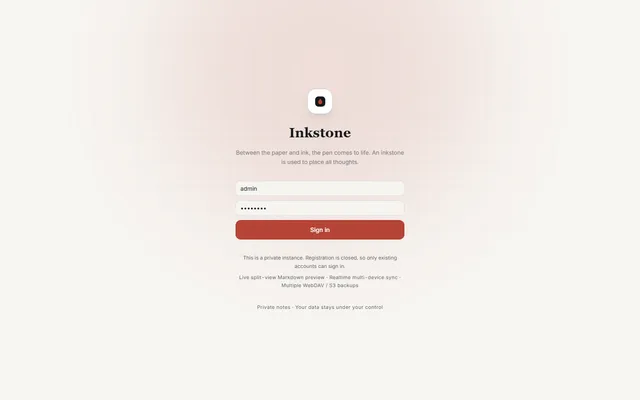
Private Markdown notebook with backlinks, offline sync, MCP access and WebDAV or S3 backups, running on Workers
- Deploy
- Manual
- License
- LGPL-3.0-only
- GitHub stars
- 1.1k stars
- Last commit
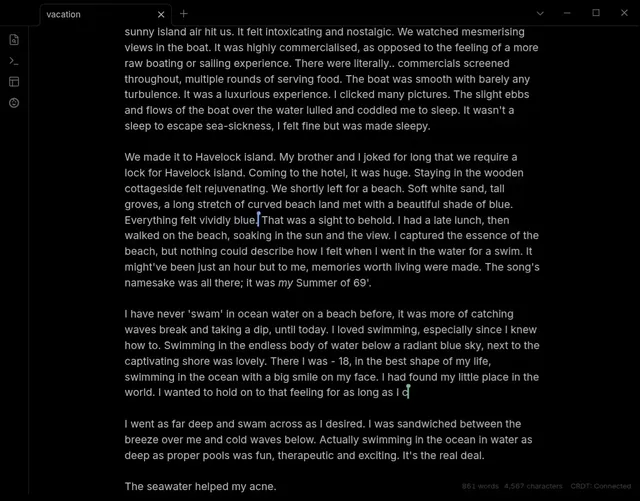
Live Obsidian vault sync over Yjs CRDTs, served by a Worker you deploy and claim in your own Cloudflare account
- Deploy
- One-click
- License
- 0BSD
- GitHub stars
- 1k stars
- Last commit
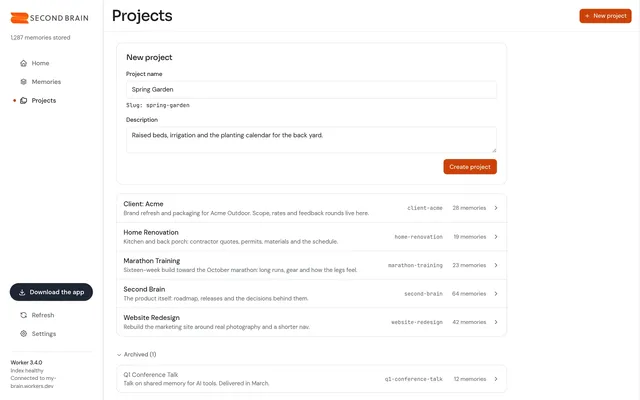
Self-hosted memory store that Claude, ChatGPT, Cursor and other MCP clients share, with recall by meaning
- Deploy
- One-click
- License
- MIT
- GitHub stars
- 802 stars
- Last commit