Skip to content

Notes & Knowledge apps

Note taking, Markdown editors, wikis and sync for Obsidian vaults.

This list also includes apps whose main category is a different one.

7 apps

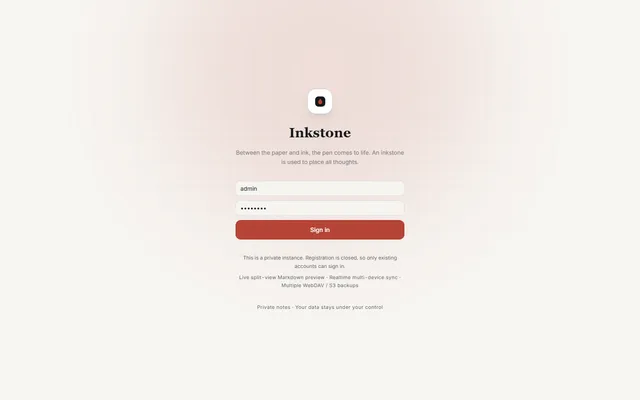
  • Inkstone public demo sign-in screen with the demo account filled in

    Private Markdown notebook with backlinks, offline sync, MCP access and WebDAV or S3 backups, running on Workers
    Deploy
    Manual
    License
    LGPL-3.0-only
    GitHub stars
    1.1k stars
    Last commit
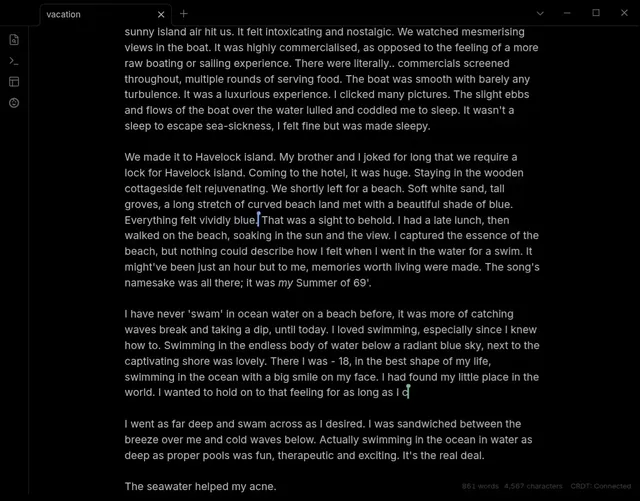
  • Obsidian note on desktop with two live cursors and the YAOS CRDT: Connected status in the footer

    Live Obsidian vault sync over Yjs CRDTs, served by a Worker you deploy and claim in your own Cloudflare account
    Deploy
    One-click
    License
    0BSD
    GitHub stars
    1k stars
    Last commit
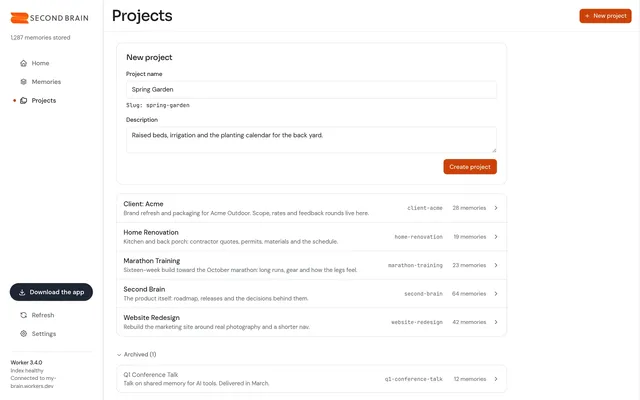
  • Second Brain dashboard Projects tab with a new project form and five projects with memory counts

    Self-hosted memory store that Claude, ChatGPT, Cursor and other MCP clients share, with recall by meaning
    Deploy
    One-click
    License
    MIT
    GitHub stars
    802 stars
    Last commit
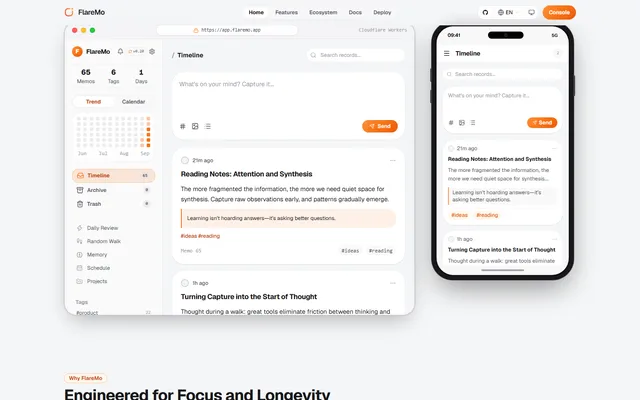
  • FlareMo timeline on desktop and phone with the note composer, a note with a highlighted quote, its tags, and counters for memos, tags and days

    Memos-style quick notes and a shared team knowledge base, with semantic search and long-term memory for AI agents
    Deploy
    One-click
    License
    AGPL-3.0
    GitHub stars
    303 stars
    Last commit
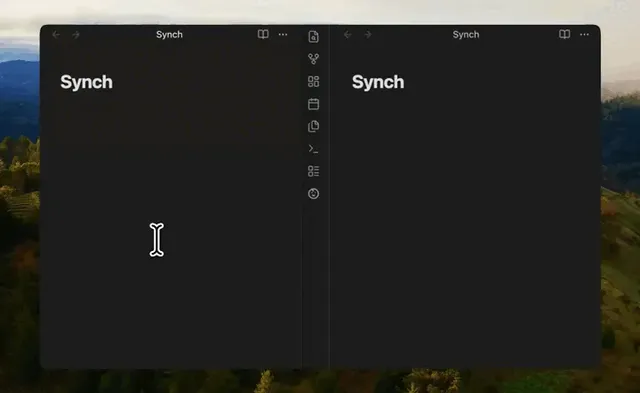
  • Animated preview of two Obsidian windows side by side, each open on a note titled Synch

    End-to-end encrypted sync for Obsidian vaults, with a sync server you can deploy to your own Cloudflare account
    Deploy
    One-click
    License
    MIT
    GitHub stars
    258 stars
    Last commit
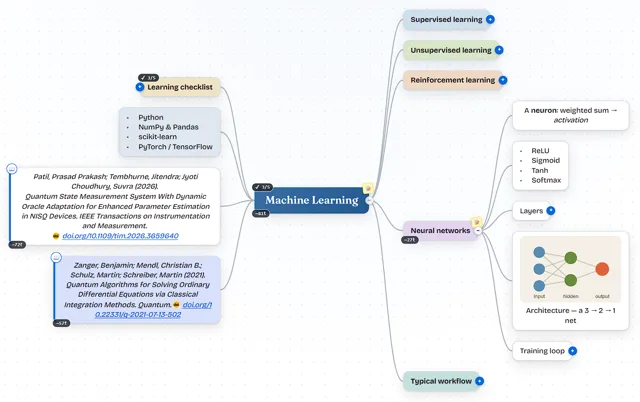
  • MindSpark mind map about machine learning with colored branches, a learning checklist, two citations and an embedded network diagram

    Mind-mapping app with a two-way Markdown editor that saves maps to a private GitHub, Gitea or GitLab repository
    Deploy
    CLI
    License
    MIT
    GitHub stars
    151 stars
    Last commit
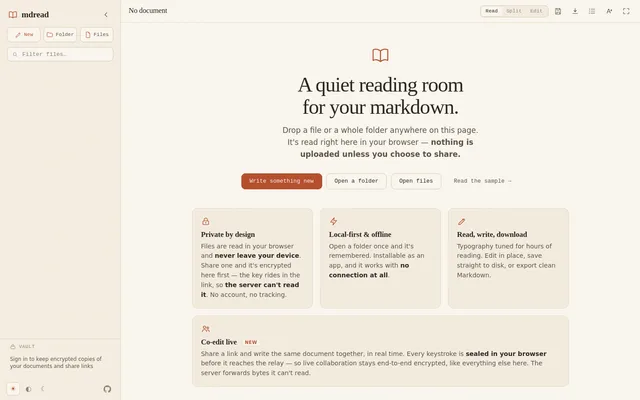
  • mdread start screen with the file sidebar, Read, Split and Edit toggle and buttons to open a folder or files

    Local-first Markdown reader and editor with encrypted share links, live co-editing and an optional encrypted vault


    Deploy
    One-click
    License
    MIT
    GitHub stars
    25 stars
    Last commit