
StatusBeam
Upptime-style status pages with on-time Cron Trigger checks, D1 uptime history and an edge-cached Astro front end
StatusBeam demo status page with an outage banner, 90-day uptime bars per component and an incident timeline
StatusBeam is an open-source status page generator modeled on upptime, with a YAML config, badges and a public JSON API. Checks run on Cloudflare Cron Triggers instead of GitHub Actions. Results are stored in D1 and KV, so the page never calls the GitHub API from visitors' browsers.
A single status.config.yml lists what to watch. HTTP checks derive up, degraded or down from the status code and response time. Other check types mirror an Atlassian Statuspage or incident.io page, take Sentry Uptime results through a webhook, or read the model health that the Vercel AI Gateway or OpenRouter publish, without spending tokens. The page follows the Statuspage layout: an overall banner, grouped component rows with status pills, 90-day uptime bars, response-time graphs and an incident timeline that moves through Investigating, Identified, Monitoring and Resolved. It is translated into English, Simplified Chinese, Japanese and Korean, and ships with light and dark themes. Each deployment also serves shields.io-compatible badge endpoints, a JSON status API, and RSS and Atom feeds of the incident history. Slack and generic webhook notifications go out when a status changes. An install is two Workers. The check Worker runs on a cron trigger, every five minutes by default, writes time-series rows to D1 and the current snapshot to KV, and accepts inbound provider webhooks. The status page is an Astro app on Workers that reads the same D1 and KV data behind Workers Cache. The check Worker can purge cached pages by tag the moment a status flips. Notifications can optionally run through Cloudflare Queues for retries. StatusBeam is installed as a package rather than a fork. The create-statusbeam command scaffolds a small project with status.config.yml, two wrangler files and a GitHub Actions deploy workflow, and the app code arrives as versioned dependencies. Upgrading is statusbeam update followed by statusbeam deploy.
Built for: Teams and solo developers who want a self-hosted status page with uptime history on their own Cloudflare account
What you can use it for
- Publish a public status page for a website and its API
- Show vendor status pages next to your own checks
- Add uptime and response-time badges to a README
- Get Slack alerts when a monitored service goes down
- Move off an upptime setup that hits GitHub API rate limits
Deploy
CLI
Branch main
statusbeam setup provisions D1 and KV, asks for a custom domain and cron schedule, writes the IDs into both wrangler files, applies the schema, uploads status.config.yml and deploys both Workers. It is idempotent, so re-running it is safe.
bunx create-statusbeam my-status
cd my-status
bunx wrangler login
bun install
bunx statusbeam setup
A scaffold command and statusbeam setup provision D1 and KV and deploy both Workers. The cache-purge token, a custom domain and Slack webhooks are optional extras.
What it needs to run
- D1 databasesstatusbeam
- KV namespacesSTATUS_KV
Also uses
- Sentry (optional): Mirroring Sentry Uptime monitor results through a webhookSource
Good to know
Under active development: TCP and SSL checks currently fall back to HTTP, and email notifications have not shipped. The CLI flow uses Bun (bunx and bun install). Near-instant updates need CF_API_TOKEN and CF_ZONE_ID secrets for cache purging; without them the page can trail a status change by up to 60 seconds. Private pages need Cloudflare Access on a custom domain, with the workers.dev URL turned off in wrangler.web.jsonc; re-running statusbeam setup turns it back on. Until the first cron run writes a snapshot, the page shows bundled sample data.
Cost on Cloudflare
Likely fits the free plan
Workers, D1, KV and cron triggers have Workers Free plan allowances. The optional notification queue also runs on the Free plan, which includes 10,000 Queues operations a day. The project notes that purge by cache tag is available on all Cloudflare plans.
The estimate is based on Cloudflare’s documented limits and the app’s configuration. What you pay depends on your usage and plan.
Where this comes from
- Repositoryhttps://github.com/pleaseai/statusbeam
- App websitehttps://docs.statusbeam.dev
- Demohttps://demo.statusbeam.dev
- App websitehttps://docs.statusbeam.dev/
- Documentationhttps://docs.statusbeam.dev/getting-started/introduction/
Listing history
- Oct 2, 2026 · StatusBeam listed
Similar apps
All Uptime & Monitoring apps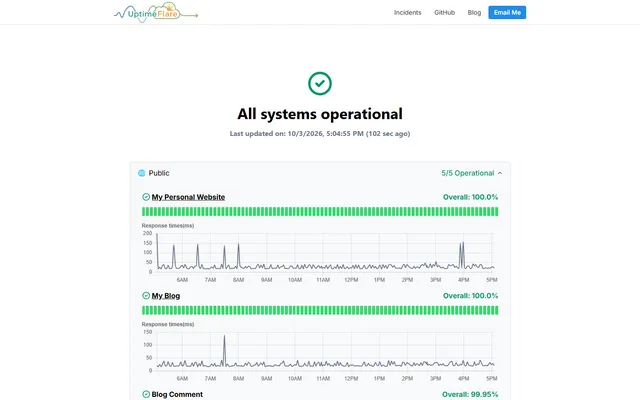
Serverless uptime monitor and status page with HTTP, TCP and keyword checks, deployed through GitHub Actions
- Deploy
- Manual
- License
- Apache-2.0
- GitHub stars
- 3.9k stars
- Last commit
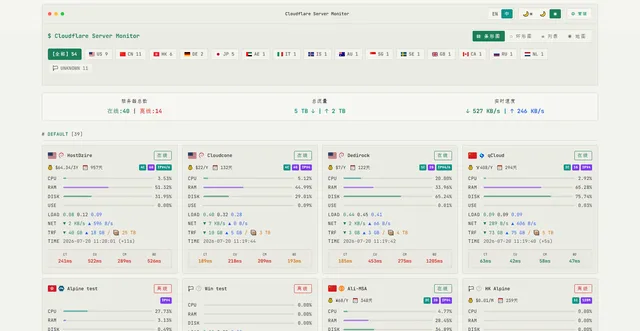
Server monitoring with a reporting agent on each machine, a live dashboard, seven-day history and offline alerts
- Deploy
- One-click
- License
- MIT
- GitHub stars
- 2.4k stars
- Last commit
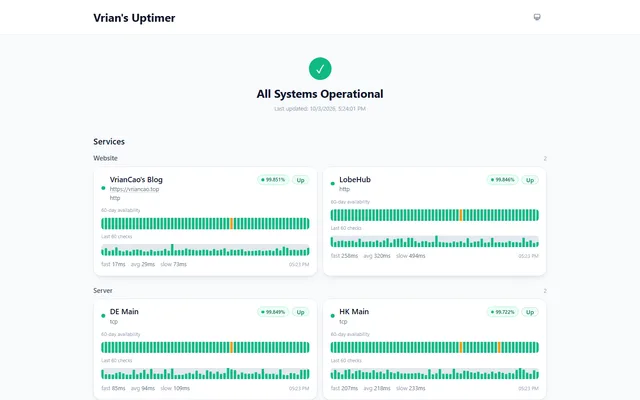
Uptime monitor and status page with HTTP and TCP checks, incidents and webhook alerts, on Workers, Pages and D1
- Deploy
- Manual
- License
- MIT
- GitHub stars
- 481 stars
- Last commit
