
Counterscale
Cookie-free web analytics you host in your own Cloudflare account, with tracker and dashboard in one Worker
Counterscale dashboard for one site over 90 days, with visitors, views, bounce rate, top paths and referrers
Counterscale records pageviews in Workers Analytics Engine and shows per-site traffic in a dashboard. A CLI wizard deploys it, and a nightly job copies the data to R2 so history outlasts Analytics Engine's 90-day retention.
Sites load tracker.js from the deployment, or use the @counterscale/tracker npm package in the browser or from server code, and each pageview is stored under a site ID. The dashboard shows pageviews, referrers and engagement for each site without cookies or browser fingerprinting. The long-term copy is written to R2 as Apache Arrow files of daily rollups. It is on by default, and the CLI can switch it off. The same CLI that installs Counterscale later rolls the dashboard password and turns authentication or R2 storage on and off. For most releases, re-running install upgrades a deployment and keeps its data; major versions can need extra steps.
Built for: Developers and site owners who want basic, privacy-friendly web analytics running in their own Cloudflare account
What you can use it for
- Track pageviews across several websites without cookies
- Record pageviews from backend code with the server-side tracker
- Keep a long-term analytics archive in your own R2 bucket
- Replace a hosted analytics script with one you run yourself
Deploy
CLI
Branch main
Enable Analytics Engine in the Cloudflare dashboard and create an API token with Account Analytics permission first. The installer asks for the token and an optional dashboard password.
npx wrangler login
npx @counterscale/cli@latest install
The CLI wizard deploys the Worker and stores its secrets. On a first deploy, the workers.dev subdomain can take a few minutes to go live.
What it needs to run
- Analytics EnginemetricsDataset
- R2 bucketscounterscale-daily-rollups
Good to know
The dashboard shows only the last 90 days, the retention limit of Workers Analytics Engine. Analytics Engine also samples high-volume writes and queries. The installer needs macOS or Linux and Node 20 or newer. First-time Workers users have to create a Worker before Analytics Engine can be enabled. Local development has no test database: writes are dropped and reads come from production data. Without the optional password, the dashboard is public.
Cost on Cloudflare
Likely fits the free plan
Analytics Engine is available on Workers Free with 100,000 data points written and 10,000 read queries per day. The Counterscale site says the free Workers plan records up to 50k pageviews a day.
The estimate is based on Cloudflare’s documented limits and the app’s configuration. What you pay depends on your usage and plan.
Where this comes from
- Repositoryhttps://github.com/benvinegar/counterscale
- App websitehttps://counterscale.dev
- Demohttps://demo.counterscale.dev/dashboard
- Documentationhttps://github.com/benvinegar/counterscale#installation
An alternative to Fathom Analytics, GoatCounter, Plausible Analytics, Vercel Web Analytics.
Listing history
- Oct 2, 2026 · Counterscale listed
Similar apps
All Web Analytics & SEO apps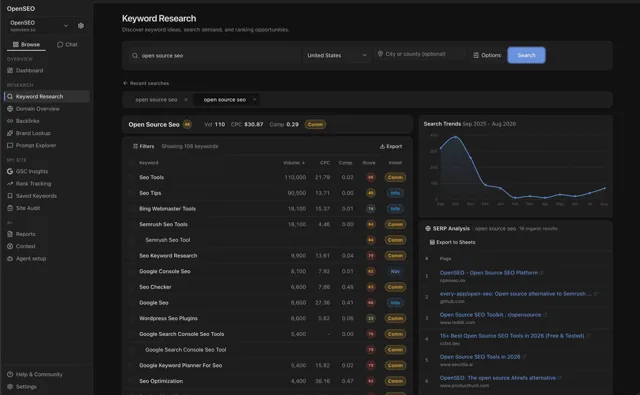
Pay-as-you-go keyword research, rank tracking and site audits on your Cloudflare account, with an MCP server for agents
- Deploy
- CLI
- License
- MIT
- GitHub stars
- 22.6k stars
- Last commit
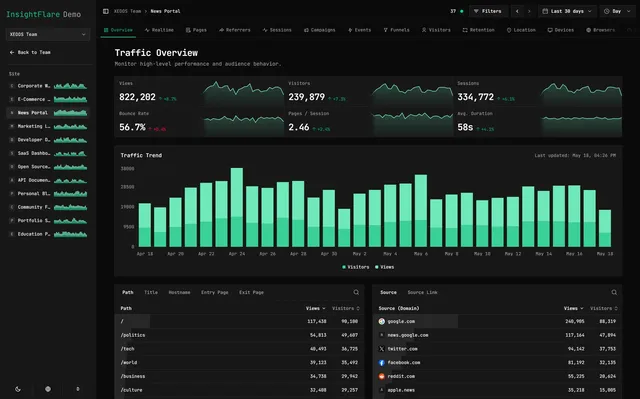
Cookie-free web analytics with funnels, UTM reports and real-time visitors, hosted in your own Cloudflare account
- Deploy
- One-click
- License
- MIT
- GitHub stars
- 539 stars
- Last commit
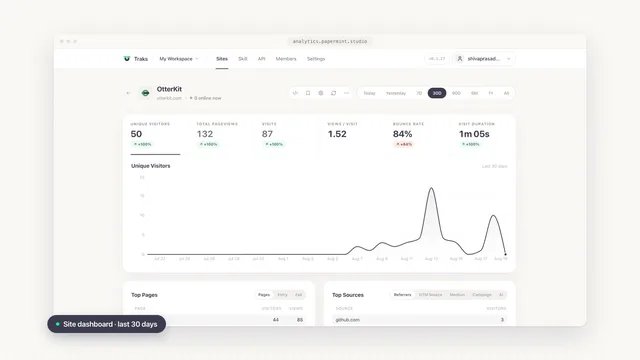
Cookie-free website analytics with live visitors and history in R2, installed into your account by a web wizard
- Deploy
- One-click
- License
- MIT
- GitHub stars
- 161 stars
- Last commit
