CloudPaste
Markdown pastebin and multi-storage file manager on Cloudflare Workers, mountable as a WebDAV drive
CloudPaste Mount Explorer in gallery view, showing photo thumbnails from a Backblaze B2 folder
CloudPaste pairs a Markdown pastebin with a file explorer that mounts S3-compatible buckets, OneDrive, Google Drive, Telegram and other backends side by side. Shares can carry a password, an expiry time and a view limit.
The Vditor-based editor handles GitHub-style Markdown, math formulas, flowcharts and mind maps, and exports to PDF, HTML, PNG or Word. Raw direct links behave like GitHub Raw, which makes the service usable for hosting configuration files. Admins add each backend as a storage configuration and mount it into the explorer. S3-compatible options include Cloudflare R2, Backblaze B2, AWS S3 and MinIO. WebDAV, HuggingFace, Discord bot and read-only GitHub sources are supported too. Uploads use presigned direct, streaming or chunked resumable transfers. More than 30 file formats preview in the browser. A WebDAV endpoint lets desktop clients mount the same tree, with API keys scoped to storage paths and given expiry dates. The frontend also installs as a PWA. The unified deployment, which the README recommends, puts the Vue frontend (as static assets) and the Hono API in a single Worker. It is backed by a D1 database, a Workflows binding for background jobs and a five-minute cron trigger for tasks such as cleaning upload sessions and rebuilding the search index. The docs also cover a separated layout with the frontend on Cloudflare Pages, a manual Wrangler path and Docker images.
Built for: Self-hosters who want a private pastebin and one web front end for files spread across several storage providers.
An alternative to: Google Drive, Hastebin, Pastebin, Rentry, StackEdit, WeTransfer
What you can use it for
- Share Markdown notes that expire after a set time or number of views
- Host raw config files behind GitHub Raw-style direct links
- Browse R2, B2, OneDrive and WebDAV storage from one file explorer
- Mount cloud storage on a desktop as a WebDAV network drive
Deploy
Manual
Fork the repository, add CLOUDFLARE_API_TOKEN (with Workers and D1 edit rights) and CLOUDFLARE_ACCOUNT_ID as Actions secrets, and run the Deploy SPA CF Workers workflow. It builds the frontend, creates and initializes D1, and deploys one Worker.
The README puts the workflow run at about three to five minutes. A separated deployment also needs Cloudflare Pages edit rights on the API token.
What it needs to run
- D1 databasescloudpaste-db
- Workflowsjob-workflow
Good to know
The first deployment creates an admin account with the password admin123; change it right after the first login. File features need at least one storage backend configured in the admin panel. The docs site opens in Chinese and most README screenshots show the Chinese interface; English versions of the README and guides exist. The README marks its own deployment tutorial as possibly outdated and points to the online docs instead.
Cost on Cloudflare
Likely fits the free plan
Workers, D1 and Workflows are all included in the Workers Free plan. On that plan Workflows allows 3,000 steps per day and 10 ms of CPU per invocation, and requests share the 100,000 per day Workers quota. R2, if used for storage, has its own free allowance but needs a payment method on file.
The estimate is based on Cloudflare’s documented limits and the app’s configuration. What you pay depends on your usage and plan.
Where this comes from
- Repositoryhttps://github.com/ling-drag0n/CloudPaste
- App websitehttps://doc.cloudpaste.qzz.io
- App websitehttps://doc.cloudpaste.qzz.io/en/
- Documentationhttps://doc.cloudpaste.qzz.io/en/guide/quick-start
Listing history
- Oct 2, 2026 · CloudPaste listed
Similar apps
All Storage & File Sharing apps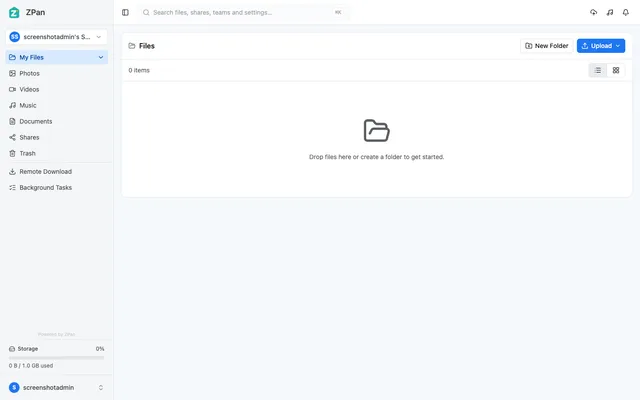
Web drive and image host for your own S3-compatible bucket, with share links, WebDAV and team spaces
- Deploy
- Manual
- License
- AGPL-3.0
- GitHub stars
- 2.1k stars
- Last commit
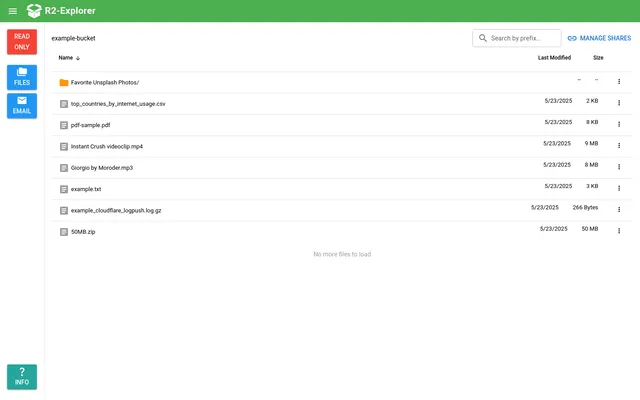
Google Drive-style file manager for an R2 bucket, with uploads, previews and password-protected share links
- Deploy
- One-click
- License
- MIT
- GitHub stars
- 651 stars
- Last commit
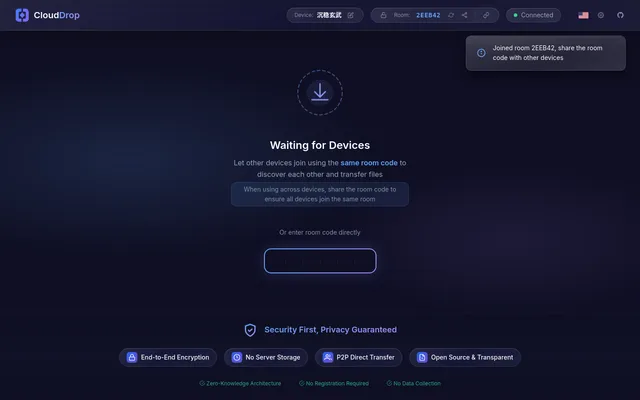
Encrypted peer-to-peer file sharing between browsers, with room codes and a Worker relay when direct links fail
- Deploy
- One-click
- License
- MIT
- GitHub stars
- 28 stars
- Last commit


