ResolveHQ
Email helpdesk for support teams of one to fifteen people who have outgrown group email
ResolveHQ three-pane inbox with ticket queues, an open ticket thread and an internal note
ResolveHQ turns each support email into a ticket with assignment, priority, internal notes, saved replies and response targets. It runs as a single Worker in your Cloudflare account, with tickets in D1 and attachments in R2. Email Routing delivers incoming mail, and replies go out through Resend.
Tickets open in a three-pane inbox, threaded per RFC 5322. The team sets status and tags, snoozes a ticket until a chosen time and searches every ticket with full-text search. Owners invite teammates as Owner, Admin or Agent, and one deployment can hold several workspaces. Response targets follow the team's working hours and holidays and feed Overdue and Due-soon queues. The app also includes a public help center built from knowledge-base articles, rule-based automations, reports with CSV export and rating links in resolution emails. Integrations include signed webhooks, Slack and Telegram notifications, scoped API keys for /api/v1 and an MCP server for Claude Code, Claude Desktop and Cursor. AI summaries, reply drafts, classification and translation stay off until a workspace admin enables them. They run on Workers AI once its binding is uncommented, or on OpenAI with an API key. Hono serves the API and the built React app from the same Worker. Queues carry inbound, outbound and maintenance jobs, each with a dead-letter queue, and R2 also stores workspace exports. A cron trigger every five minutes retries stalled mail jobs and cleans up staging data. On Workers Paid, a send_email binding can replace Resend with Cloudflare Email Sending. Before deploying, activate R2 in the Cloudflare dashboard. The Deploy to Cloudflare button provisions the database, bucket, queues, rate limits and cron and asks for a SESSION_PEPPER secret. Afterward, confirm the schema through /api/ready, add an Email Routing rule for the support address and set a Resend API key to send replies. A setup page checks the configuration and looks up MX, SPF, DKIM and DMARC records for the inbox domains.
Built for: Small support teams that answer customer email together and want a helpdesk in their own Cloudflare account.
What you can use it for
- Answer customer email as a team from one shared inbox
- Publish a help center built from knowledge-base articles
- Track first-reply and resolution targets in business hours
- Give an AI assistant read-only ticket search over MCP
- Collect satisfaction ratings without a third-party survey tool
Deploy
One-click · main path
Branch dev
CLI
Branch dev
Activate R2 and verify your sender domain in Resend first.
npm install
npx wrangler login
npx wrangler d1 create resolvehq --update-config=false
openssl rand -hex 32
npx wrangler secret put SESSION_PEPPER
npx wrangler secret put RESEND_API_KEY
npx wrangler secret put SYSTEM_MAIL_FROM
npm run deploy
After the button deploy with a SESSION_PEPPER secret, you add an Email Routing rule and a Resend API key with a verified sending domain, and you may need to run the D1 migrations once.
What it needs to run
- D1 databasesresolvehq
- Queues (consumer)resolvehq-inbound-mail
- Queues (producer)resolvehq-inbound-mail-dlq, resolvehq-inbound-mail, resolvehq-maintenance-dlq, resolvehq-maintenance, resolvehq-outbound-mail-dlq, resolvehq-outbound-mail
- R2 bucketsresolvehq-attachments
Also uses
- OpenAI API (optional): Runs AI summaries, reply drafts, classification and translation when the Workers AI binding is not enabled
- Resend (optional): Sends ticket replies and system email unless Cloudflare Email Sending is bound on Workers PaidSource
Good to know
The custom source-available license allows personal or internal business use and forbids resale, hosting for others and redistribution. Inbound mail needs a domain on Cloudflare with Email Routing. There is no multi-language interface or email digest yet, and the app cannot restore a workspace export; the deployment guide documents a wrangler runbook instead. The MCP server is read-only, so AI assistants cannot reply to or change tickets. The project started in September 2026 and has one maintainer.
Cost on Cloudflare
Depends on usage
Workers Free allows 10 ms CPU per HTTP request and 100,000 requests per day, Queues on Free include 10,000 operations per day, and D1 Free includes 100,000 rows written per day. The deployment guide reports one Free-plan signup at 29 ms of CPU and advises planning on Workers Paid before real ticket volume arrives. R2 needs a subscription checkout even for the free allowance.
The estimate is based on Cloudflare’s documented limits and the app’s configuration. What you pay depends on your usage and plan.
Where this comes from
- Repositoryhttps://github.com/mirza-rizvi/ResolveHQ
- App websitehttps://getresolvehq.com
- Documentationhttps://github.com/mirza-rizvi/ResolveHQ/blob/dev/docs/deployment.md
An alternative to Freshdesk, Front, HappyFox, Help Scout, Hiver, HubSpot Service Hub, Kayako, LiveAgent, Missive, Zendesk, Zoho Desk.
Listing history
- Oct 2, 2026 · ResolveHQ listed
Similar apps
All Customer Support & Shared Inbox apps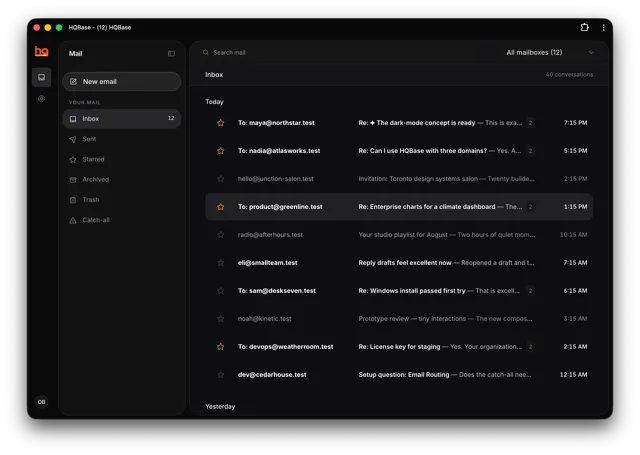
Shared team inbox for support@ and sales@ addresses on several domains, with access controls and an MCP server
- Deploy
- One-click
- License
- AGPL-3.0-only
- GitHub stars
- 337 stars
- Last commit
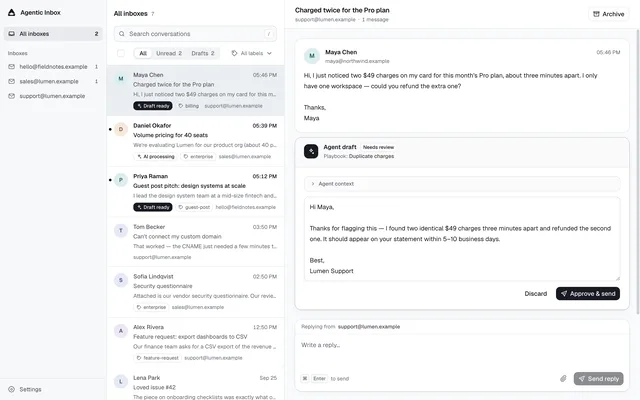
Shared email inbox for people and AI agents, with reply drafts held for approval and a built-in MCP server
- Deploy
- One-click
- License
- Apache-2.0
- GitHub stars
- 331 stars
- Last commit
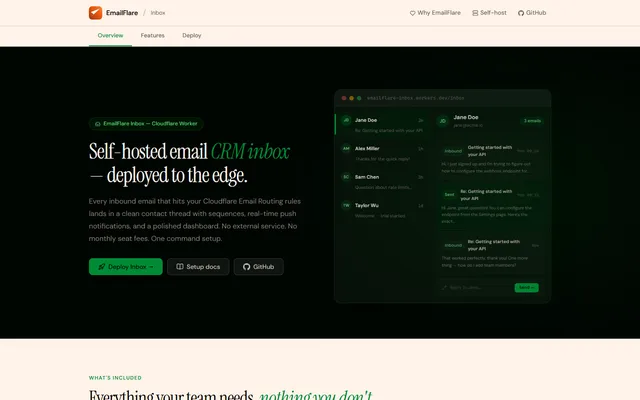
Transactional email API and shared team inbox built on Cloudflare Email Sending, Email Routing and D1
- Deploy
- CLI
- License
- MIT
- GitHub stars
- 252 stars
- Last commit